How-to
How to make your iPhone battery last longer (and what doesn’t help)
Practical changes that make a difference, and the myths that waste your time.
PSPriya Shah · iPhone & Watch editor
June 22, 2026 · 2 min read
Battery advice online ranges from useful to superstitious. Here is what we have found makes a real difference over months of use.
What helps
- Brightness. The screen is the biggest consumer. Auto-brightness does a good job; leave it on.
- Background location. Settings → Privacy → Location Services. Set most apps to “While Using”.
- Poor signal. A phone searching for a network burns battery. In buildings with bad coverage, use Wi-Fi calling.
- Heat. Do not leave the phone charging in the sun or on a hot dashboard. Heat ages lithium-ion cells faster than anything else.
What does not help
- Force-closing apps. iOS suspends them already. Relaunching from scratch costs more energy.
- Draining to zero. Modern batteries do not need full cycles. Shallow top-ups are fine.
- Turning off Bluetooth. The savings are tiny, and you lose your watch and earbuds.
When to replace the battery
If Battery Health shows below 80% and the phone no longer lasts a day, a battery replacement is the cheapest way to make an older iPhone feel new.
Devices in this article
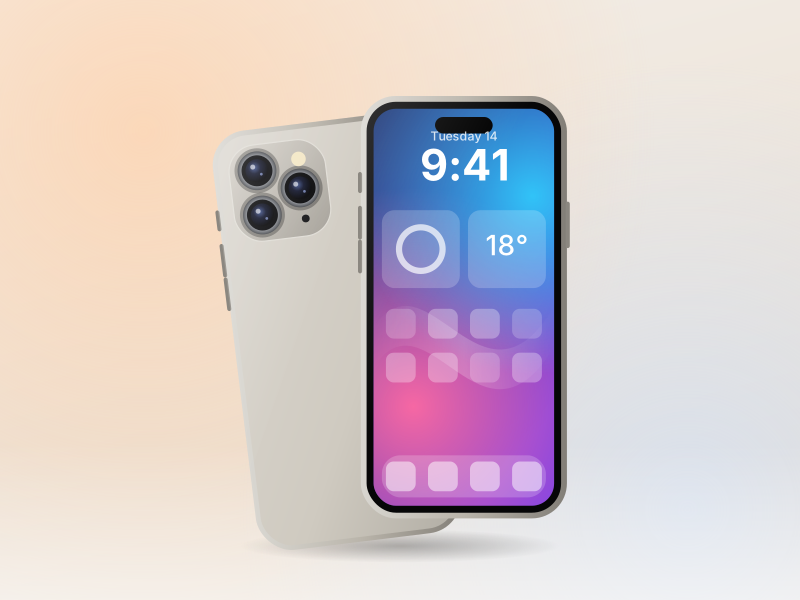 8.9
iPhoneReleased 2024 · $999 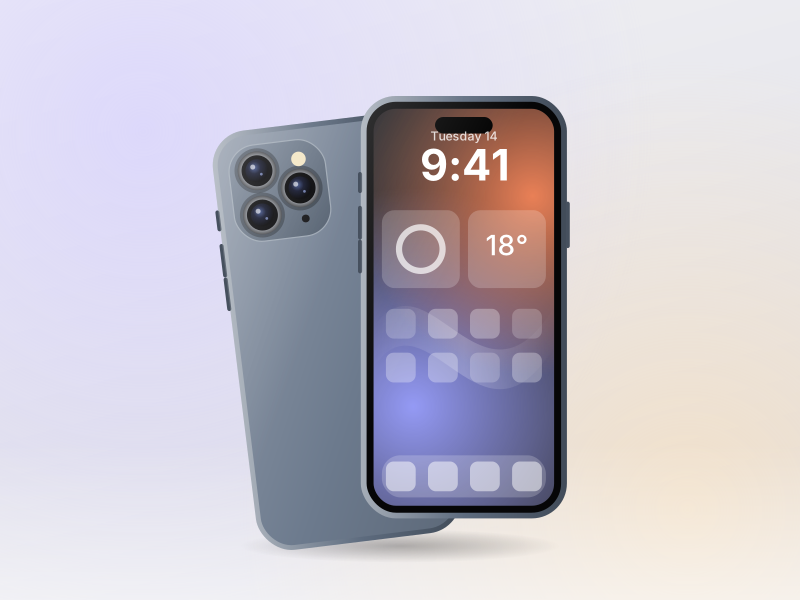 8.7
iPhoneReleased 2023 · $999  8.0
AccessoriesReleased 2024 · $39 PSPriya Shah ·
iPhone & Watch editorPriya covers iPhone and Apple Watch. She runs four times a week and tests every watch on the same 10 km loop.