 8.6
Accessories
Squeeze, barrel roll and pressure sensitivity: which Pencil you need depends on whether you draw or take notes.
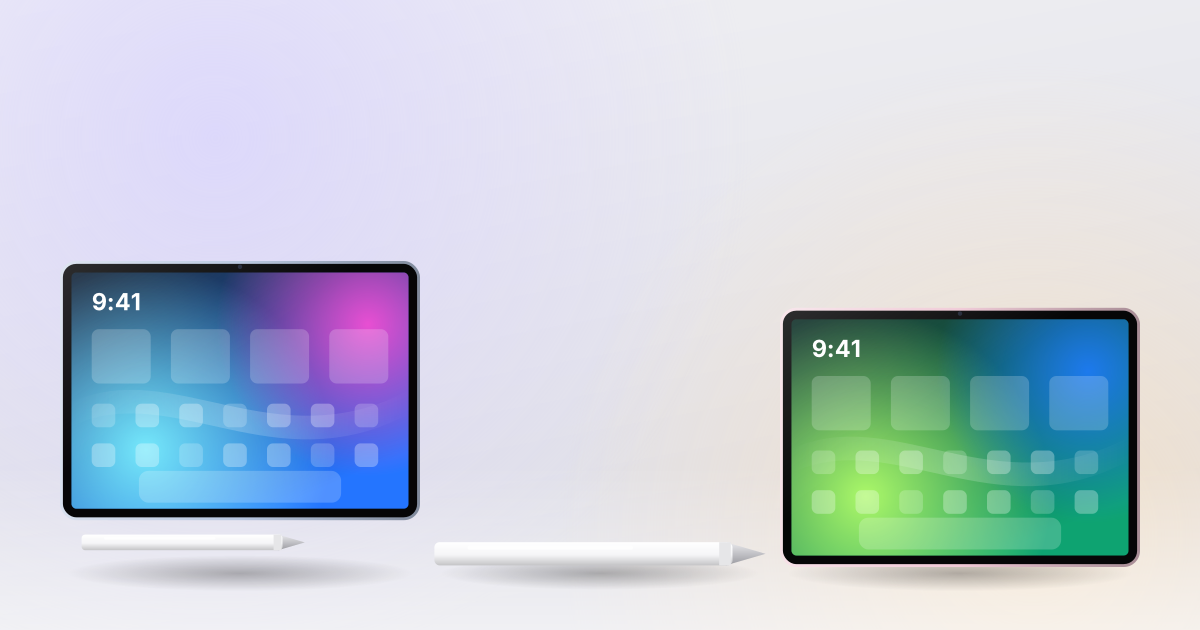
Apple sells two current Pencils, and the right one is determined first by your iPad and second by what you do with it.
Apple Pencil Pro works with recent iPad Pro, iPad Air and iPad mini models. The USB-C Pencil works with almost every iPad with a USB-C port, including the entry iPad.
| Pencil Pro | Pencil (USB-C) | |
|---|---|---|
| Pressure sensitivity | Yes | No |
| Squeeze and barrel roll | Yes | No |
| Charging | Magnetic | USB-C cable |
| Find My | Yes | No |
For drawing, the Pro is the only choice: without pressure sensitivity, line weight is fixed. For handwritten notes and marking up PDFs, the USB-C Pencil is perfectly good and much cheaper.
Notes, reading and writing essays: which iPad and which accessories actually make sense on a student budget.
Both are small, quiet and fast. The deciding factors are GPU power, ports and how much noise you tolerate.
 8.8
Pro-level speed for daily tasks, Apple Pencil Pro support and a much lower price than the iPad Pro.