 8.9
Comparison
Mac Studio or Mac mini Pro: which desktop?
Both are small, quiet and fast. The deciding factors are GPU power, ports and how much noise you tolerate.
If you need more than a base Mac mini, there are two candidates: the Mac mini with M4 Pro and the Mac Studio with M4 Max. They overlap more than Apple’s pricing suggests.
Choose the Mac mini (M4 Pro) if…
- Your work is CPU-heavy: compiling code, audio production, photo libraries.
- You want the smallest possible desk footprint.
- Your budget is closer to the base price than the top.
Choose the Mac Studio if…
- You edit high-resolution video, work in 3D or run local machine-learning models — the GPU and memory bandwidth make a real difference.
- You want front ports including an SD card slot.
- Silence under long loads matters; the Studio’s larger cooler stays quieter.
And the Mac Pro?
Only if you need PCIe cards for audio or video capture. Otherwise it is the same class of chip in a much bigger, more expensive box.
Devices in this article
Keep reading
More buying guides →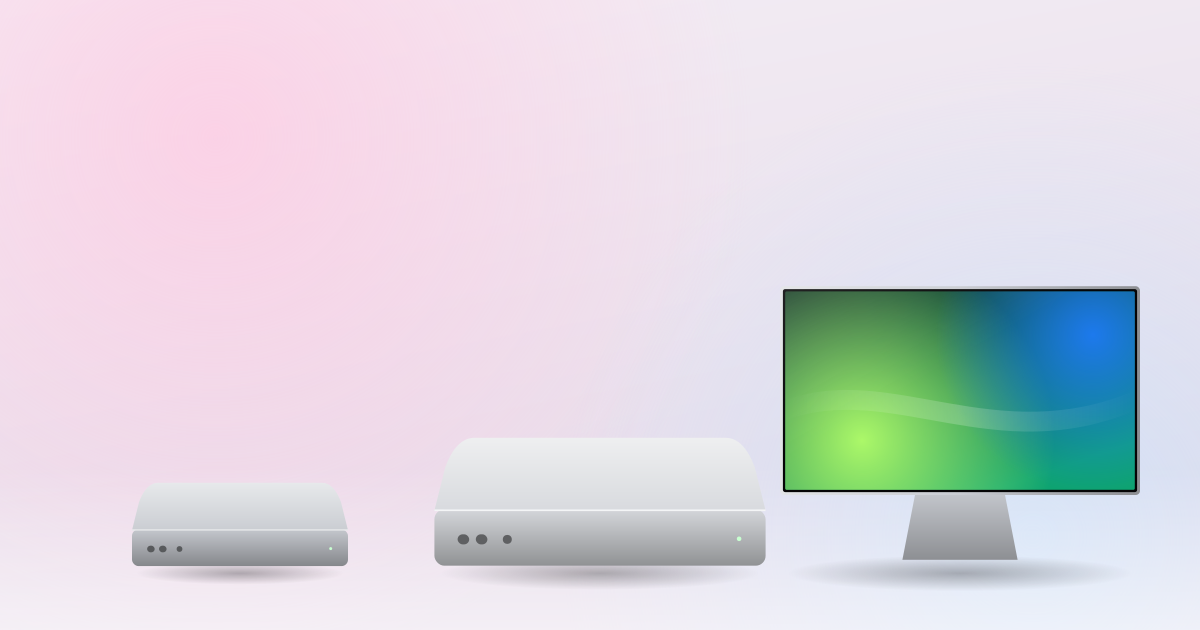 9.3
Reviews
Mac mini M4 review: the small Mac that does everything
Five inches square, silent in daily use and $599 with 16GB of memory. The best-value Mac ever made.
 9.0
Reviews
The M1 MacBook Air, five years later
It is still the laptop we recommend to most people who ask. Here is what has held up, and what has not.
Buying guides
MacBook Air or MacBook Pro: how to choose
Fans, ports, displays and memory: the four questions that decide it for most people.